AI World Builder
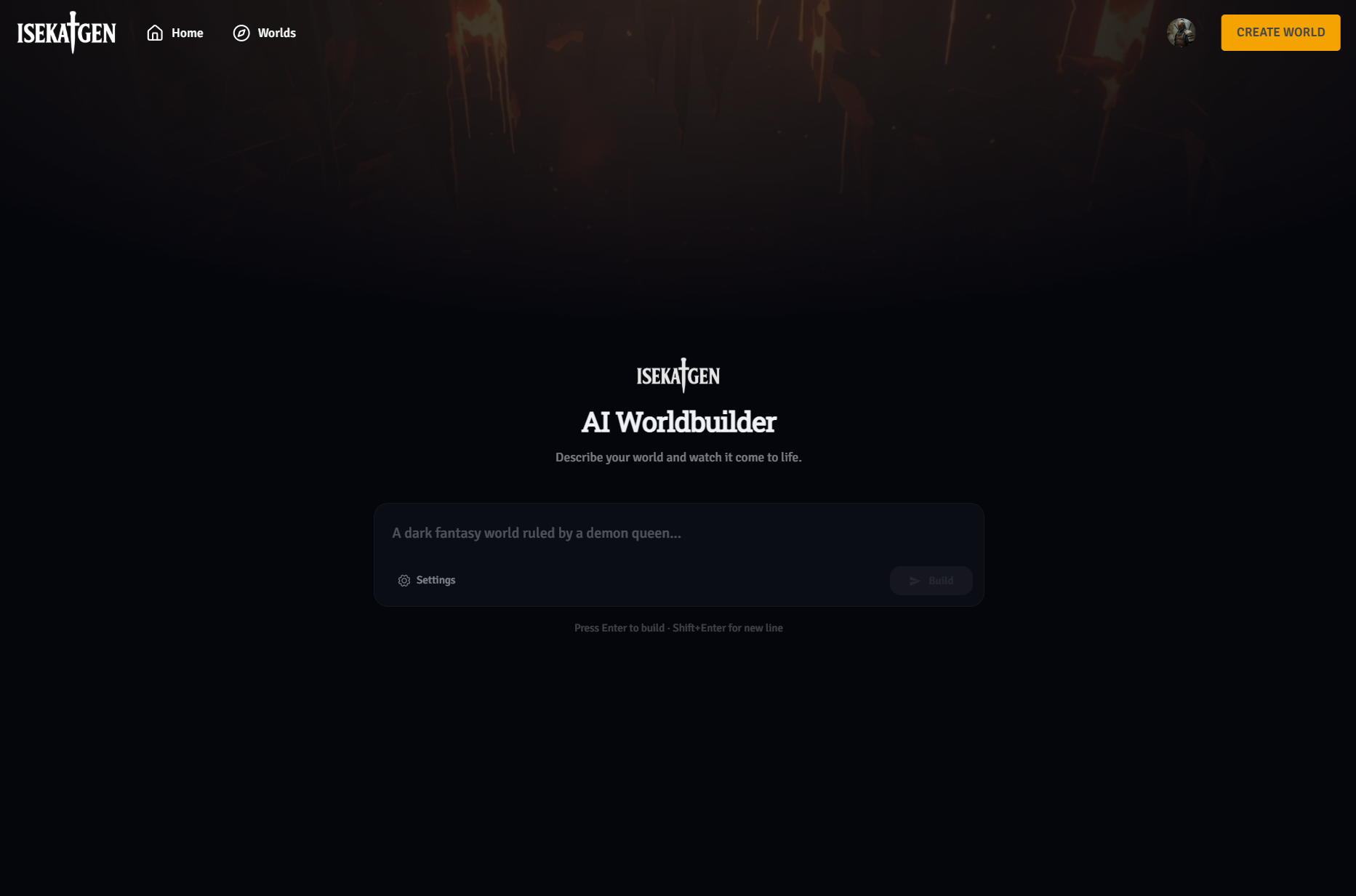
The AI World Builder lets you describe a world in plain text and watch Isekaigen generate the entire thing — lore, factions, power systems, classes, attacks, and characters — in 20–40 seconds.
Accessing the AI World Builder
Section titled “Accessing the AI World Builder”Go to play.isekaigen.com/worldbuilder/ or click + Create World on the homepage. Choose AI World Builder.
Writing a great prompt
Section titled “Writing a great prompt”The prompt is the single most important input. Write it like you’re pitching a novel:
Good prompts include:
- The genre or setting
- The world’s central conflict or defining feature
- The tone (dark, hopeful, chaotic, political)
- Any specific factions, magic types, or character archetypes you want
Examples
Section titled “Examples”“A post-apocalyptic world where the last human cities are ruled by synthetic AI lords, and a resistance of human-machine hybrids fights to reclaim their freedom.”
“A xianxia cultivation world where five great sects control access to spiritual qi. An outer disciple with no talent discovers a forbidden technique that shouldn’t exist.”
“Victorian-era steampunk city built in the clouds above a world consumed by toxic miasma. Class warfare between the Aether Nobility and the Soot Workers drives everything.”
Avoid:
- Being too vague (“a cool fantasy world”)
- Contradictory genre elements without context
- Only one sentence when you could give two or three
Prompt length limits
Section titled “Prompt length limits”| Tier | Max prompt length |
|---|---|
| Wanderer (Free) | 250 characters |
| Adventurer, Hero, Champion | 700 characters |
💡 Tip: 700 characters is enough for 3–4 detailed sentences. The more specific your prompt, the more coherent and unique the generated world.
Advanced settings
Section titled “Advanced settings”Click the ⚙️ Settings button in the prompt composer to expand the advanced panel.
📝 Note: Advanced settings require Adventurer tier or above. Wanderer accounts use default settings.
Factions (1–5, default: 2)
Section titled “Factions (1–5, default: 2)”Sets how many factions the AI generates. Each faction is tied to a power system and can have its own classes.
Characters (1–7, default: 5)
Section titled “Characters (1–7, default: 5)”Sets how many characters the AI generates. These become the playable protagonists of your world. The first character generated is typically set as the default.
Power Systems (1–2, default: 1)
Section titled “Power Systems (1–2, default: 1)”Sets how many power systems the world has. Each power system defines a framework of abilities — magic, combat arts, technology, etc. Multiple power systems allow different factions to have fundamentally different ability sets.
What gets generated
Section titled “What gets generated”| Component | Details |
|---|---|
| World | Name, description, genre, tags, and world lore |
| Power System(s) | Name, description, and a set of named attacks with effects |
| Faction(s) | Name, description, linked to a power system |
| Class(es) | Named subsets of a faction’s attacks |
| Character(s) | Name, gender, background, personality, faction and class assignment |
The building process
Section titled “The building process”After you click Build, a progress modal shows the build status. The process runs in the background and checks for completion automatically. The typical wait is 20–40 seconds — more factions and characters add time.
If the build fails, you’ll see a clear error state and can try again with the same or a modified prompt.
After building — editing your world
Section titled “After building — editing your world”Once the AI has built your world, you can edit every detail in the World Creator. Go to your world’s page and click Edit. From there you can:
- Rewrite any character’s background or personality
- Add or remove attacks from power systems
- Change faction assignments
- Add more characters manually
- Upload portrait images for characters and factions
- Set which character is the default for new games
Think of the AI Builder output as a starting draft — you can polish every detail.
Publishing your world
Section titled “Publishing your world”Toggle Public in world settings when you’re happy with it. Public worlds appear in Isekaigen’s world browser and other players can start games in your world. You can make it private again at any time.